Comprehensive Capabilities

All Features

Built natively with Swift, deeply optimized for macOS. Every detail has been carefully crafted to respect your privacy and boost your workflow.

Clipboard Core

Clipboard History

Capture and keep text, rich text, images, files, colors, and links in one timeline.

Rich Previews

Preview links, PDFs, images, and long text inline before pasting.

Large Payload Handling

Copy and search large snippets, documents, and images without noticeable lag.

Smart Clean Paste

Automatically switch to clean plain-text paste in apps where formatting often breaks.

Search & Recall

Fast Search

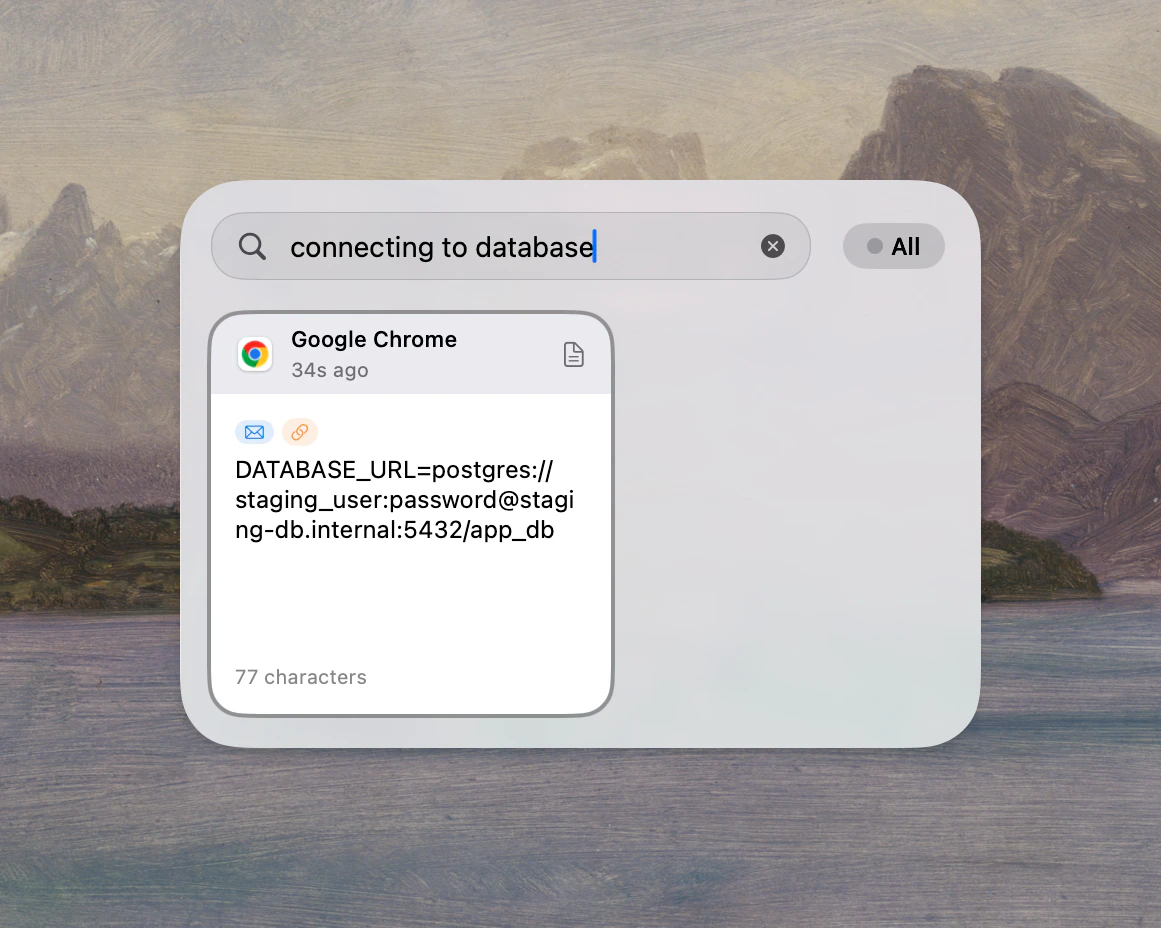
Search with keyword, regex, type filters, and semantic matching for fast recall.

Smart Content Recognition

Recognizes content type automatically and shows type-specific actions.

OCR Text Extraction

Extract text from copied images so screenshot content becomes searchable.

Link Cleaner

Automatically removes tracking parameters such as utm_* and fbclid from URLs.

Smart Line Break Removal

Fix broken line wraps from PDFs or web pages before you paste.

Instant Calculation

Evaluate math expressions directly from copied text.

Tags, Rules & Queue

Tags & Smart Categories

Organize clips with color tags and categories that match how you work.

Smart Rules

Auto-group, transform, or ignore clips by app, type, keyword, and pattern.

JavaScript Script Plugins

Extend processing with custom JavaScript or AppleScript plugin logic.

Context-Aware Ordering

Prioritize relevant clips based on the app you are currently using.

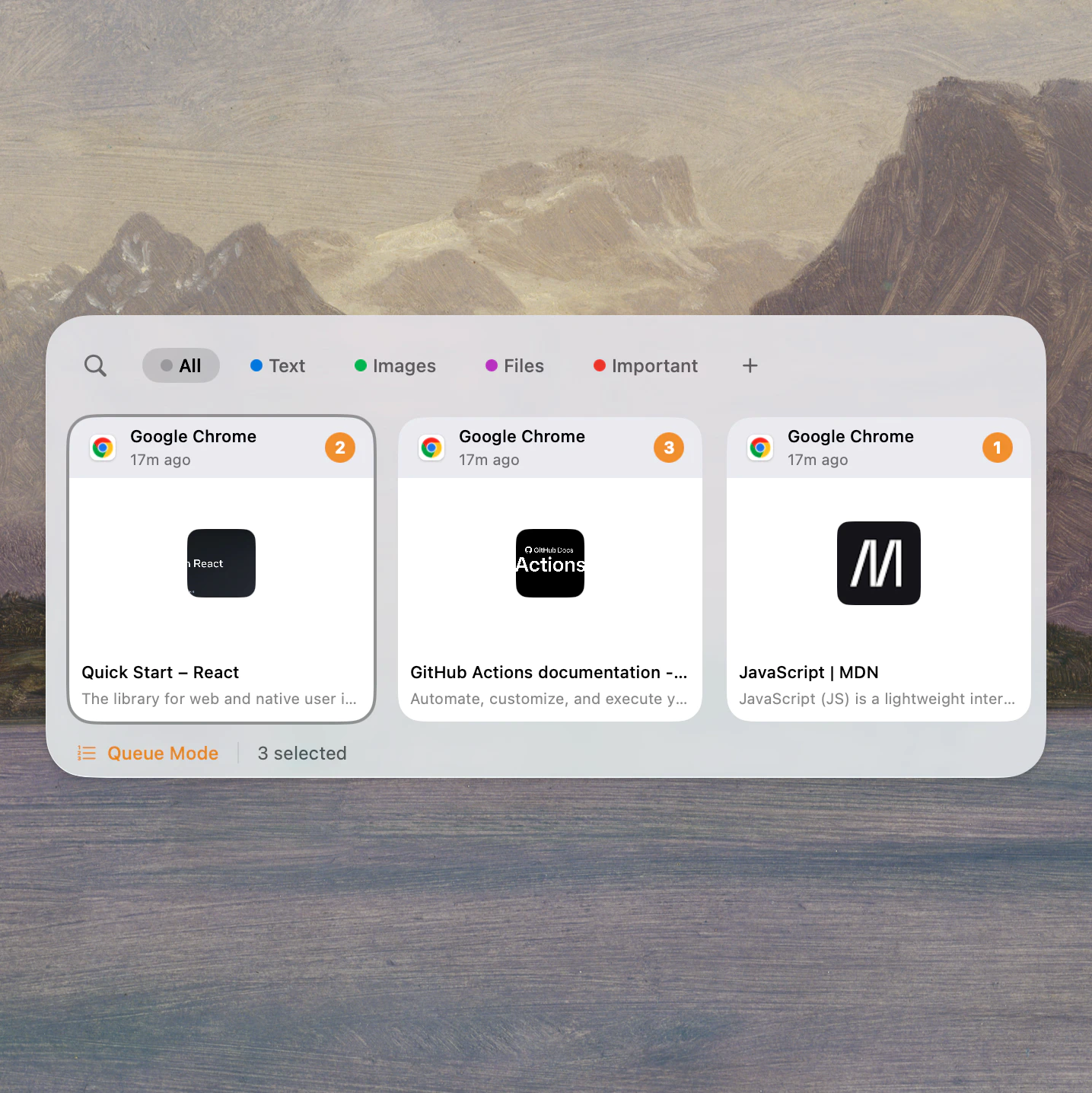
Queue Mode

Select multiple clips and paste them sequentially with keyboard-first flow.

Privacy & Security

Local-First Storage

All clipboard data is stored locally on your Mac under your control.

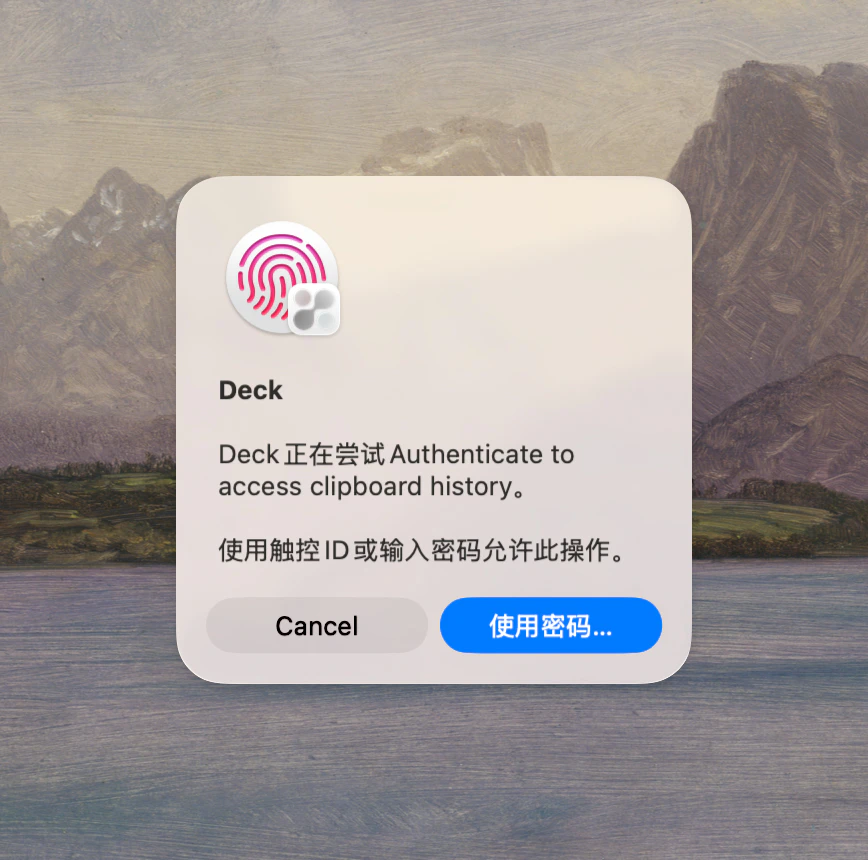
Touch ID Protection

Require Touch ID re-authentication before opening sensitive clips.

Sensitive Content Detection

Skip recording in password managers and other sensitive windows.

AES-GCM Encryption

Protect sensitive entries with modern AES-GCM encryption and secure key storage.

App Exclusion List

Exclude selected apps from monitoring for privacy-critical workflows.

Auto-Cleanup

Set retention rules to automatically clean old history and save space.

Clipboard Steganography

Hide and recover text through image or zero-width text workflows.

LAN Sharing

LAN P2P Sharing

Share clips directly between devices on the same local network.

TOTP Verification

Use one-time codes for secure pairing in local sharing sessions.

Group Sharing

Share an entire group with items and metadata in one action.

System & Extensions

Global Shortcuts

Customize shortcuts for opening panel, searching, switching groups, and more.

Vim Navigation

Optional j/k/x/y navigation for keyboard-first users.

macOS Shortcuts

Access Deck history from macOS Shortcuts for automation workflows.

Menu Bar Resident

Monitor recording status and pause or resume quickly from menu bar.

Migration Assistant

Import history from Maccy, Paste, PasteNow, Flycut, and Pastebar.

Auto Updates

Daily update checks plus manual checks from Settings.

CLI Bridge

Integrate Deck with local scripts and external tools via command line.

Dark/Light Mode

Follows system appearance with native macOS styling.

Ready to elevate your workflow?

Download Deck Free

Requires macOS 14.0 or later