Paste Queue
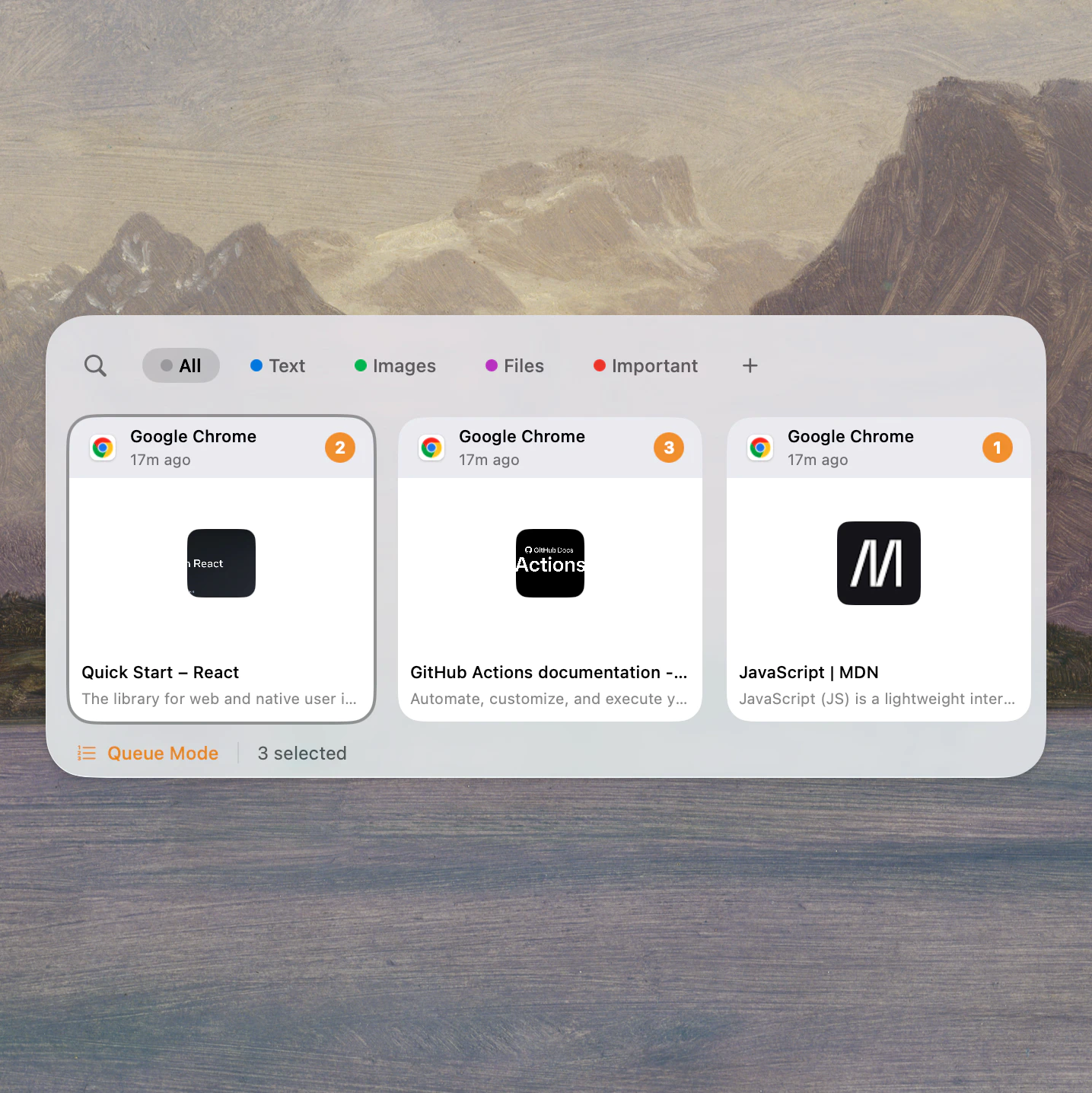
Build a short working set from history, then move through it in order without reopening Deck between steps.
Paste Queue lets you line up multiple clips and step through them in order. Smart Rules auto-tag, transform, or remove clips as they arrive. Context-Aware Ordering brings the right content type forward for each app.
Deck's Queue Mode lets you line up multiple clips and paste them one by one with Cmd+Shift+V. Smart Rules auto-tag and transform clips as they arrive, and Context-Aware Ordering brings the right content type forward for each app.
You need to fill a form with eight fields — name, email, phone, address, and more. Add all eight values to the Paste Queue, switch to the form, and press Cmd+Shift+V for each field. Every press pastes the next value in order. Done in 10 seconds instead of 2 minutes of app-switching.
Before / After
Queue mode works best when the job is structured: multiple fields, fixed order, repeated sequence.
The real gain is removing the reopen-search-refocus cycle between every field, not just faster paste.
Build a short working set from history, then move through it in order without reopening Deck between steps.
Clean, tag, transform, or remove clips automatically before they clutter the next workflow.
Simulate keystrokes where standard paste is blocked, and let Deck reorder content by the app you're in.
Fill eight fields in a structured form.
The sequence is done in about 10 seconds instead of 2 minutes.
Paste a reply, a help link, and a ticket ID in the right order.
One queue handles the full response flow without reopening history.
Send a sequence into a terminal, VM, or remote desktop.
Typing paste keeps things moving even when standard paste is blocked.
No. Anyone who pastes several related items in order can benefit. It is especially useful for operators, support teams, writers, prompt-heavy workflows, and developers.
Yes. One of Deck's strengths is combining search and queue mode, so you can recover older clips and then paste them sequentially in the same session.
A basic history list helps you retrieve one item. Queue mode helps you execute a sequence of items without re-searching or reopening history between every paste.
Workflow
Download Deck and turn repeated paste tasks into one keyboard-driven flow.
Great for repetitive copy/paste workflows on macOS